Debug
The Debug page lets you enable a log of all Conversions API events sent by the module. This is useful during setup to verify that events are being dispatched correctly.
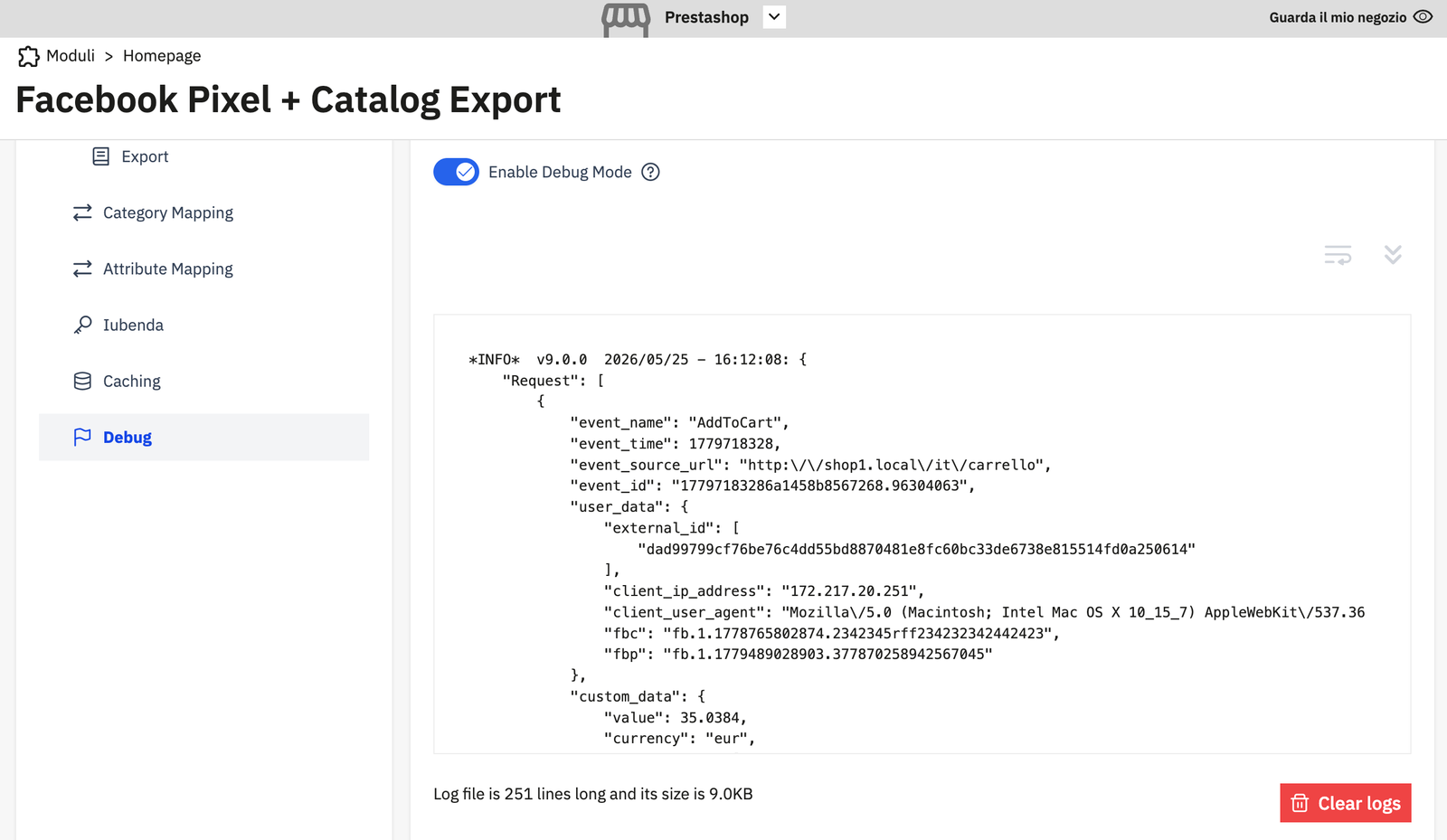
Enabling debug mode
Toggle Enable Debug Mode to ON and save. The module will begin logging all CA event payloads and responses to its log file.
Warning
Debug mode generates a log entry for every CA event on every page load. On a busy store this will produce a large log file quickly. Enable it only during active debugging and disable it when done.
Reading the log
The log viewer shows the tail of the current log file, along with its line count and size.
Each log entry has the format:
+INFO+ v9.0.0 2026/05/25 - 16:12:08: {
    "Request": [
        {
            "event_name": "AddToCart",
            "event_time": 1779718328,
            "event_source_url": "https://shop1.local/it/carrello",
            "event_id": "177971832B6a1458b8567268.96384063",
            "user_data": {
                "external_id": ["dad99799cf17..."],
                "client_ip_address": "172.217.20.251",
                "client_user_agent": "Mozilla/5.0 ...",
                "fbc": "fb.1.177786500...",
                "fbp": "fb.1.177948902..."
            },
            "custom_data": {
                "value": 35.0384,
                "currency": "eur"
            }
        }
    ]
}
Key fields to verify:
| Field | What to check |
|---|---|
event_name |
Correct event type for the action |
event_id |
Present and non-empty (used for deduplication) |
client_ip_address |
Customer's IP is captured |
fbp |
_fbp cookie value is present |
fbc |
_fbc cookie value is present (if user clicked a Facebook ad) |
value / currency |
Correct for the event type |
Clearing the log
Click Clear logs to delete the current log file and start fresh.
Log file location
The log file is written to modules/fabfacebookpixel/var/logs/ inside your PrestaShop installation directory.